Smarter Onboarding, Mailhook and Enhanced Branch Node
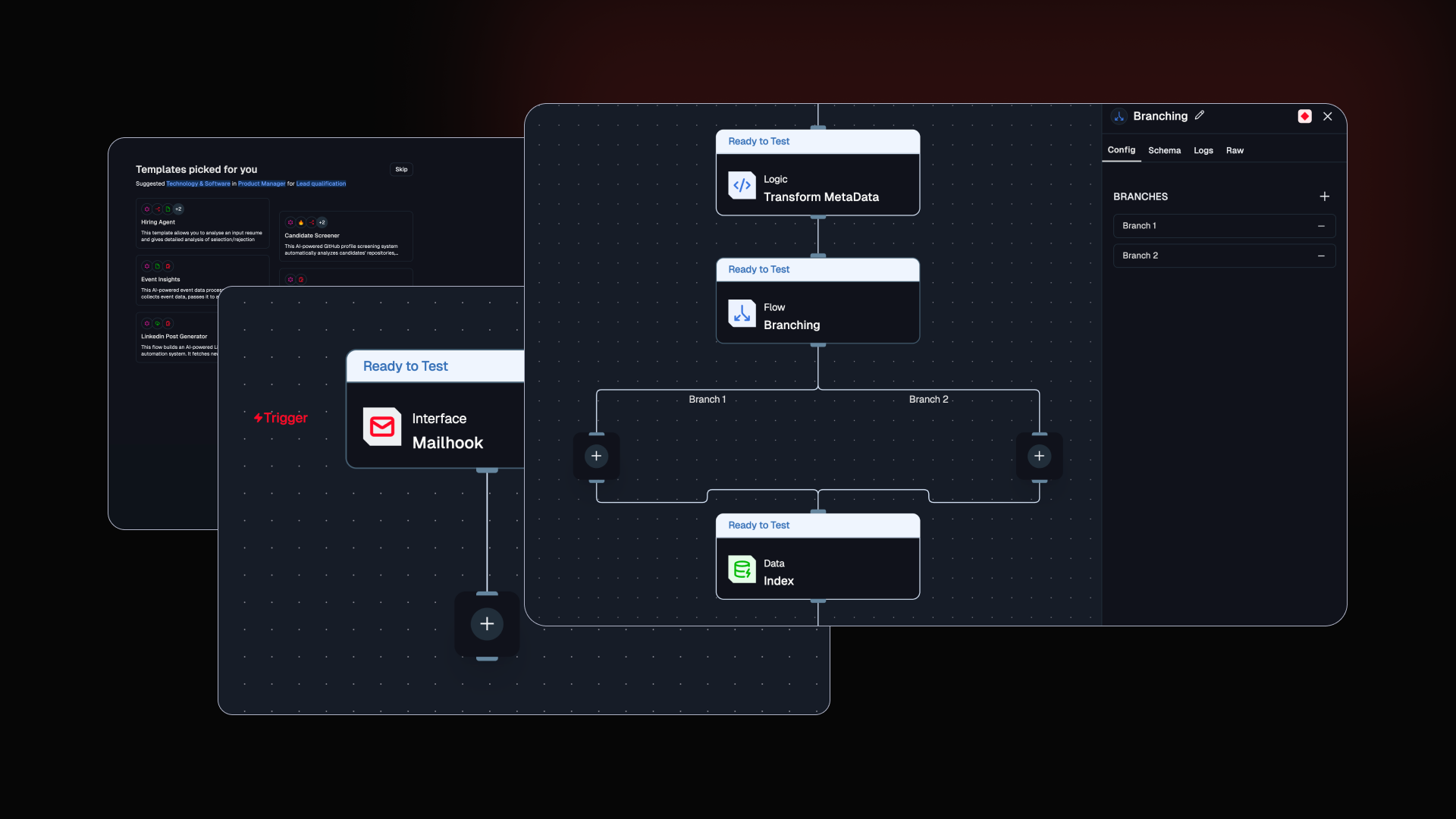
Experience a smoother onboarding process to help you get started quickly. Plus, Mailhook transforms emails into instant flows and enhanced branch controls and UI improvements offer greater flexibility.
Improved Onboarding Experience

We’ve redesigned the onboarding flow to make it smoother, clearer, and more action-driven, helping new users move from signup to building faster.
Embedded demo booking form directly inside onboarding modals.
Improved navigation between onboarding steps.
Modals now support better scrolling and adaptive sizing for clearer content display.
Demo form automatically closes after successful submission.
“Skip” option now intelligently redirects to relevant pages instead of exiting abruptly.
Updated button labels and page headings for better clarity and guidance.
Explore the updated experience inside the Studio
Mailhook- Turn Emails into Instant flows

Many workflows begin with an email, support requests, lead inquiries, alerts, approvals, and more. Traditionally, handling these requires polling inboxes, manual forwarding, or complex integrations. Mailhook solves this by turning incoming emails directly into workflow triggers inside Lamatic. With Mailhook, every email sent to a dedicated address automatically starts a flow, no polling, no manual steps, no external automation tools required.
Ideal for building:
Support ticket routing systems
Inbox parsing and data extraction
Lead capture automations
Internal notifications and alerting pipelines
Checkout the Mailhook doc
Branch Node Enhancements

Branch nodes are now more flexible and easier to manage, especially in complex agentic workflows.
Rename branch labels directly inline with instant UI updates.
Automatic validation and debounced auto-save while editing.
Add or remove branches easily with dedicated action buttons and tooltips.
Cleans up incomplete edits automatically when exiting.
Keeps branch data and edge references fully synchronized after updates.
Automatically updates related configurations when branch labels change.
Checkout the docs
Others Improvement
We’ve refined the Studio experience to make flow building smoother and more responsive.
Enhanced scrolling behavior in the Flow Editor panel for better navigation.
Improved node settings layout for a cleaner and more responsive experience.