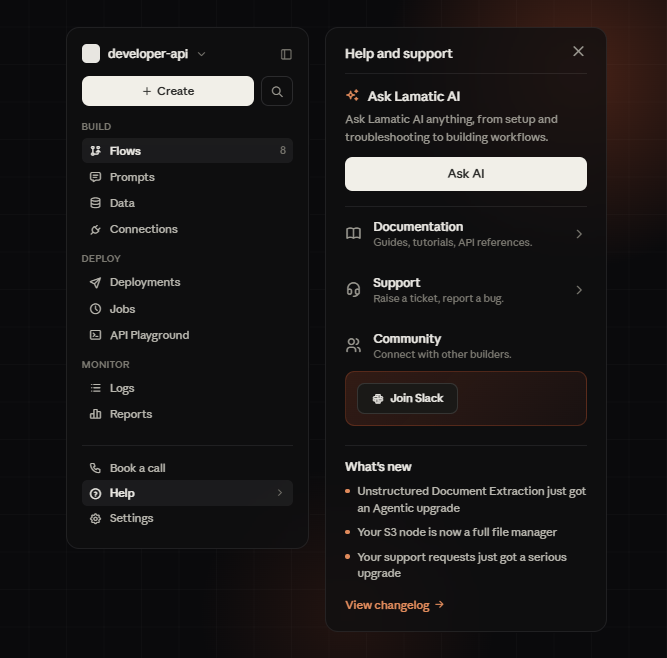
Global search is here, plus a cleaner sidebar


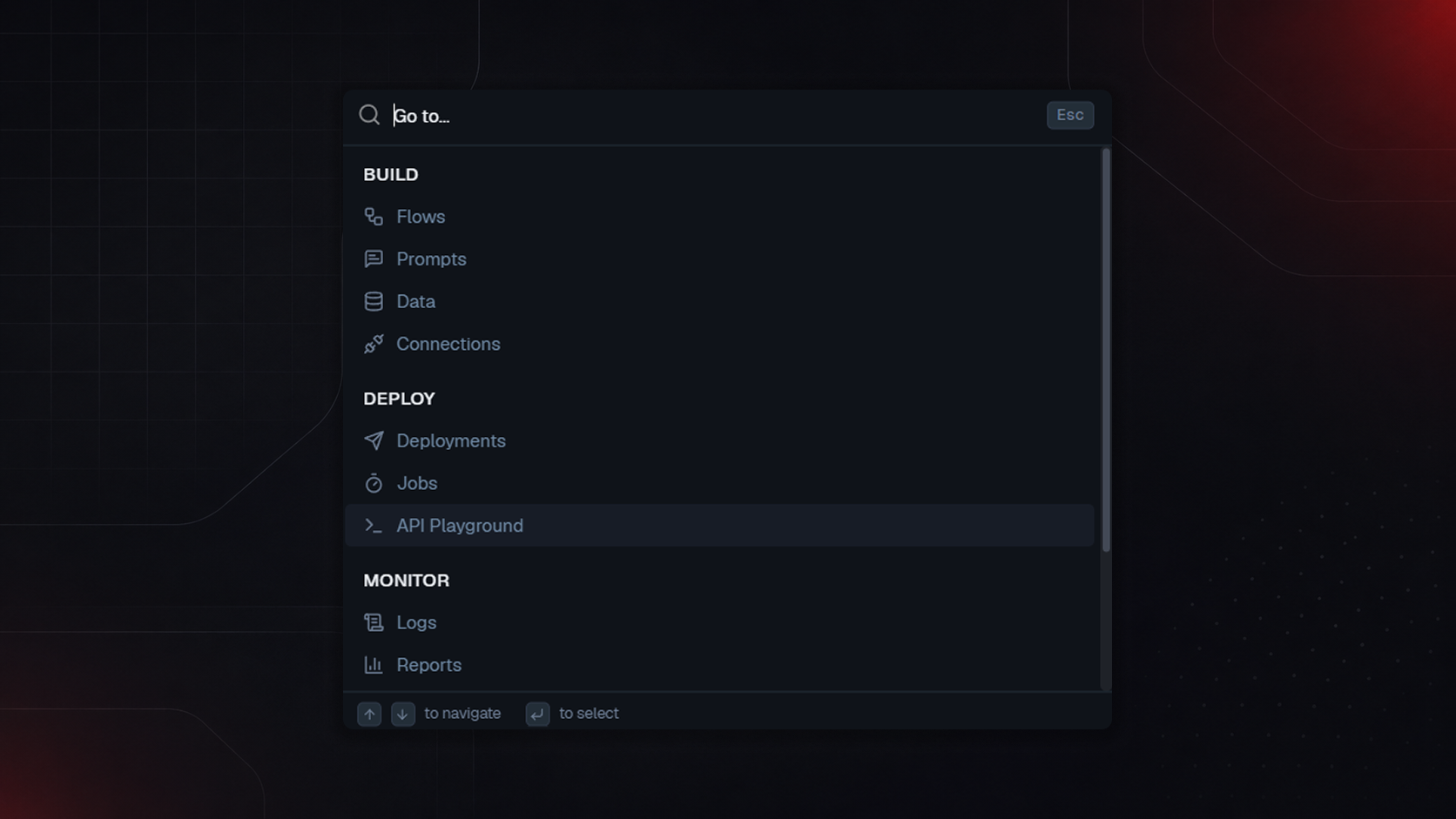
Global Search
Press the search shortcut (Ctrl/Cmd + K) or click the search icon anywhere in the app and jump straight to any section: Flows, Prompts, Data, Connections, Deployments, Jobs, API Playground, Logs, Reports grouped under Build, Deploy, and Monitor.
Type to filter, use arrow keys to navigate, hit Enter to go. No more hunting through the sidebar for something you know exists but can't remember where you tucked it.
Sidebar improvements
The sidebar's been reorganized around how you actually work: Build, Deploy, and Monitor as clear sections instead of one long flat list. We've also added quick access at the bottom for:
Book a Call to talk to the team directly
Help get support without leaving the app
Settings are now easier to reach