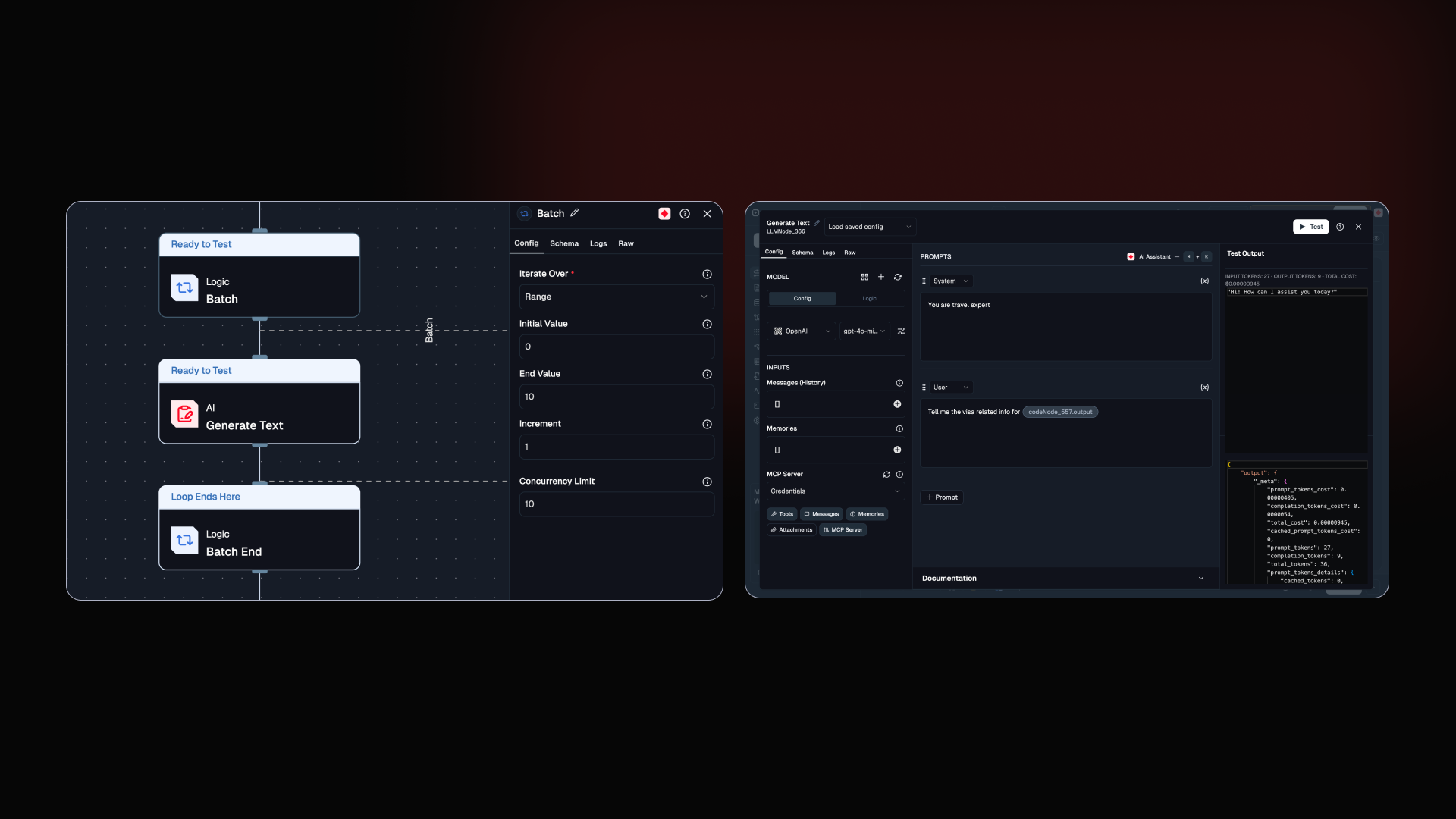
Two big ones this release. Batch Node brings parallel execution to your flows, making them faster. The Prompt IDE is rebuilt from the ground up. Plus a round of smaller improvements across logs, docs, and the editor.
New Batch Node: your Agents can now run in parallel.
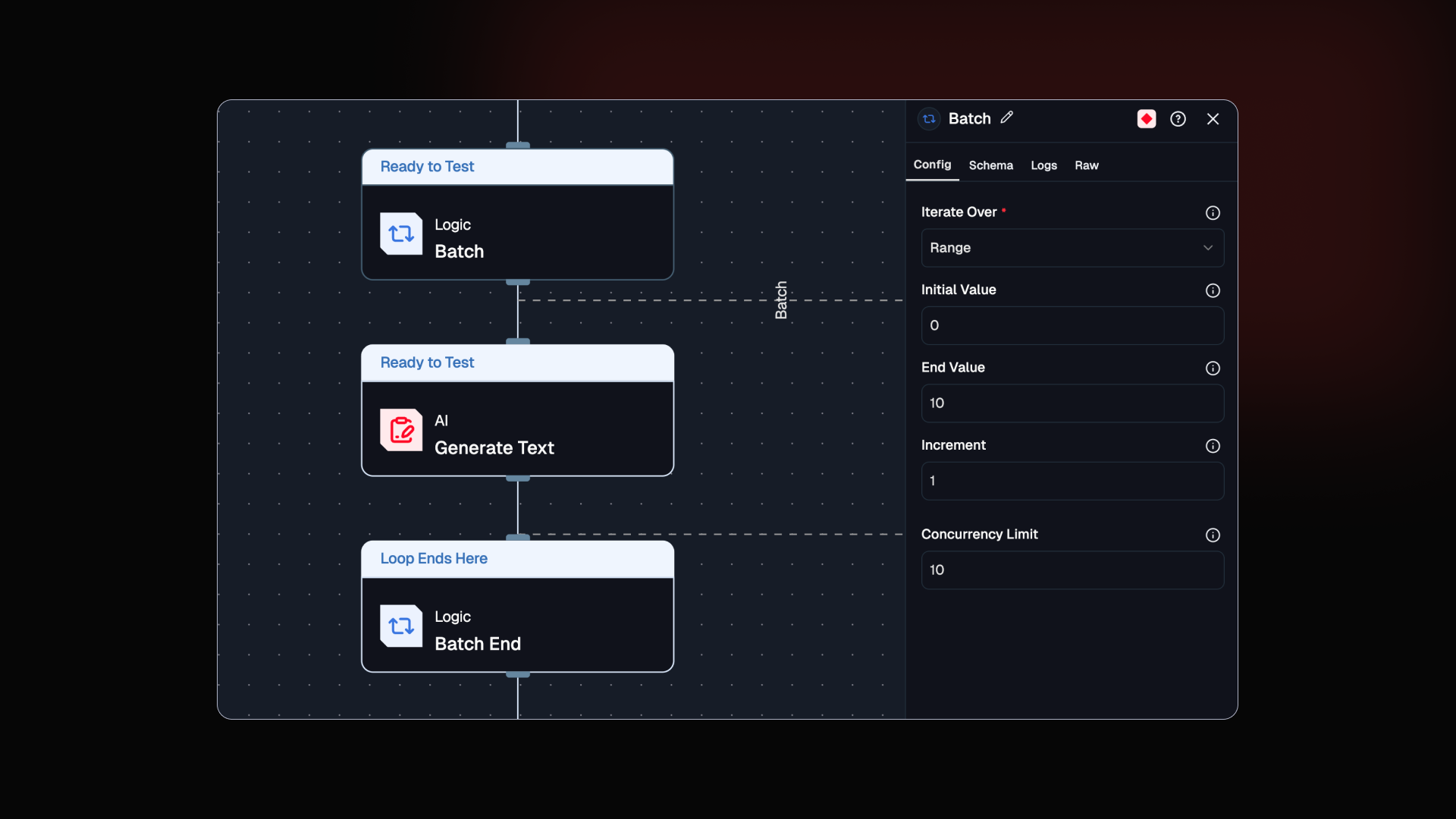
The Loop node processes one item at a time. Batch Node processes all of them at once. The difference is not subtle: 100 tasks that take 50 seconds sequentially finish in 5 seconds at a concurrency of 10. For I/O-bound workflows, that is a 5 to 10x speed improvement out of the box.
Built for the people who watched Loop nodes crawl through large datasets and wondered if there was a better way. There is now.
Parallel Execution: Processes multiple iterations at the same time instead of one by one
Concurrency Control: Set a limit to scale fast without hitting rate limits or overloading downstream services
Lists and Ranges: Works with both list inputs and numeric ranges
New The Prompt IDE is rebuilt. Write, test, and see costs all in one place now.
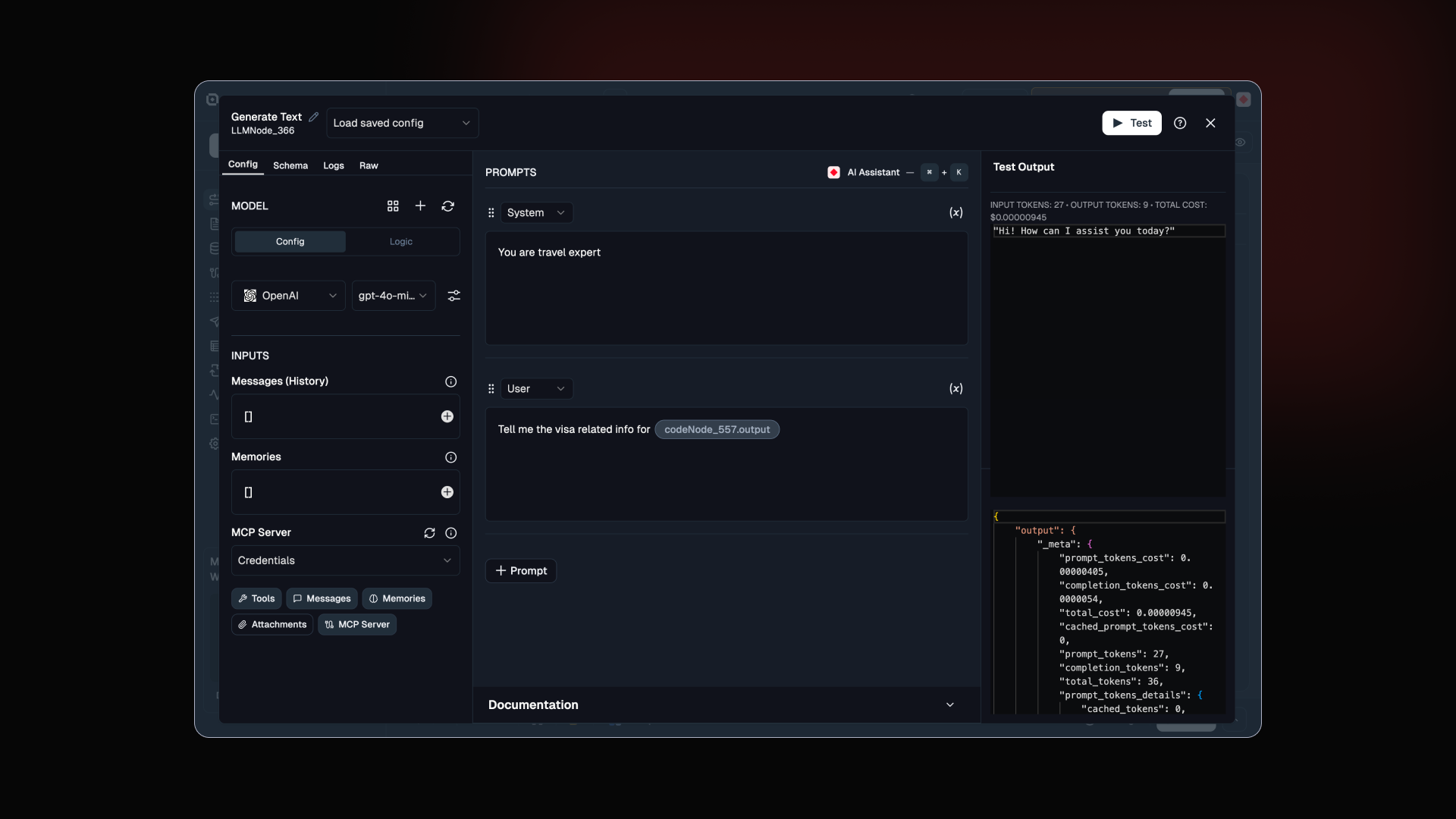
Prompt engineering now has a proper home in Lamatic. Structured blocks, an AI assistant working alongside you, and instant cost feedback before anything goes to production. All in one screen.
This came from watching people bounce between the editor and external tools just to test one prompt.
System and User Blocks: Separate role-based sections so your prompt structure is clear from the start
Prompt Assistant: Writes and refines prompts alongside you, right inside the editor
Instant Testing: Run prompts in real time and see output, token usage, and cost before your flow ever deploys
Improved Five things we shipped this week. Some small. All worth it.
Docs: Copy any page as Markdown or open it directly in Claude or ChatGPT. Less tab switching, faster iteration
Dark Mode: Cleaned up styling on AI suggestion buttons and separators
Node Config: Better node configuration layout and a cleaner Code IDE
Text Rendering: Text no longer overflows or wraps awkwardly in prompts and logs
Code Editor: Removed variable previews and auto-formatting for a more stable editing experience